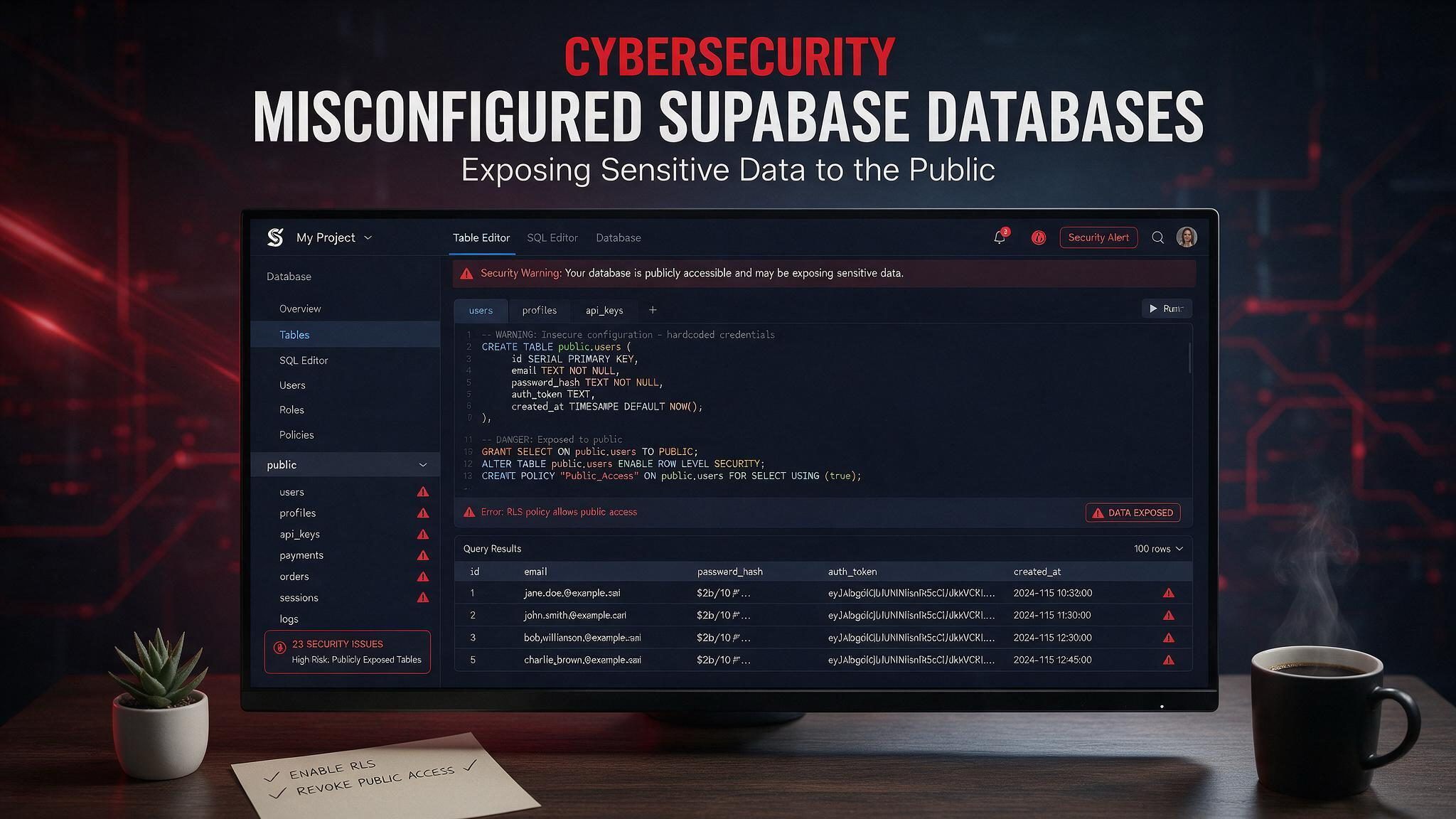
What happened
UpGuard analyzed roughly 300,000 domains that appeared to use Supabase and found 16,326 databases with at least one readable table. In more than half of those databases, the exposed data appeared to include PII, while a smaller subset also exposed passwords or authentication tokens.
The leaked records reportedly included names, phone numbers, email addresses, license plates, visit history, private messages, and in some cases plaintext passwords. Researchers also said a very small number of databases may have included credit card data.
Why it matters?
This type of exposure is dangerous because PII can be used for phishing, fraud, and identity theft, while passwords and auth tokens can lead to account takeover. The risk is broader than one app, since exposed credentials may be reused across other services.
The incident is also a reminder that cloud security failures often happen at the configuration layer. A database can be fully functional and still be publicly readable if its access policies are too broad or missing.
How it happened?
Researchers linked the exposure to weak security configuration, especially missing or permissive row-level security policies and misuse of public keys. They also noted that some cases may have involved AI-assisted development, which can increase the chance of unsafe defaults being deployed quickly.
Supabase’s documentation emphasizes that customers are responsible for securing their own data and that row-level security is a core part of protecting tables in exposed schemas. The platform’s production guidance also recommends reviewing access policies and other security checks before launch.
Security lessons
Teams using Supabase should verify that row-level security is enabled and correctly tested on every sensitive table. They should also avoid storing plaintext passwords, minimize raw PII, and rotate any exposed tokens or secrets immediately.
A practical check is to test every table as if you were an unauthenticated user and confirm that nothing sensitive is readable. If a table should never be public, it should not rely on default settings to stay private.
How to avoid it?
Enable Row Level Security on every table that contains sensitive data, and write explicit policies for each operation you allow. Supabase’s docs say that tables without RLS and proper policies can become accessible in ways you do not intend.
Keep secret credentials server-side only, especially service role or other privileged keys, because they bypass RLS and should never be exposed in frontend code. Store secrets securely, rotate any leaked tokens or passwords immediately, and invalidate sessions if exposure is suspected.
Test your database as if you were an unauthenticated attacker and then as a normal user to confirm that only the intended rows are visible. Supabase also recommends using its production checklist, reviewing Security Advisor findings, and checking grants and policies before shipping changes.
Practical checklist
- Enable RLS on all exposed tables.
- Write least-privilege policies for select, insert, update, and delete.
- Keep service role and secret keys backend-only.
- Avoid storing plaintext passwords and reduce stored PII.
- Test access as anonymous and authenticated users.
- Review production and security checklists before launch.
- Rotate leaked tokens, reset passwords, and invalidate sessions if needed.
Key takeaways
The scale of this finding shows how quickly sensitive data can become public when database permissions are not locked down. Strong RLS, careful secret handling, and routine access testing are the main defenses.