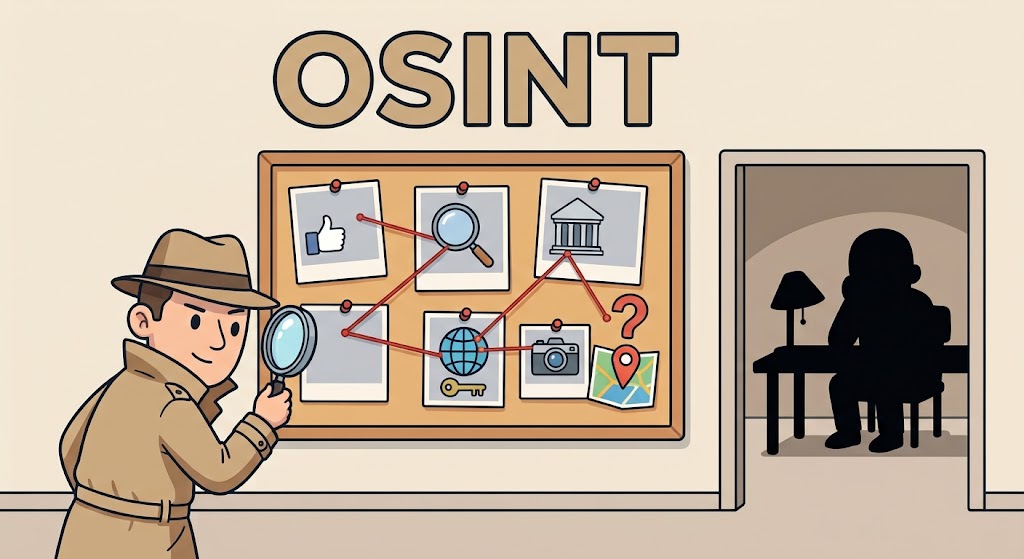
Every time we use the internet, we leave behind tiny clues—a post on social media, a comment on a forum, a registered website, or a public record. OSINT, which stands for Open-Source Intelligence, is simply the art of piecing those public clues together to answer a question or solve a puzzle.
Despite the complicated name, OSINT does not require high-tech skills or secret software. If you have ever searched for an old classmate online, checked a restaurant's public license, or double-checked a photo to see if a news story was real, you have already done basic OSINT!
What Is OSINT?
Understanding how public data can be turned into useful answers.
OSINT means collecting information that is 100% public and legal to view, then looking at it closely to understand what it means.
Think of an OSINT analyst like a digital detective. They don't break into private buildings or hack into locked phones. Instead, they look at what is sitting out in the open—like public notices, open social media pages, and news reports—and connect the dots.
What OSINT Is NOT
- It is not hacking: It never involves guessing passwords, breaking through security, or stealing private data.
- It is not spying: It doesn't use secret cameras, wiretaps, or hidden files.
- It is not just a quick Google search: It means gathering pieces of information from different places and making sure they are accurate.
Where Does This Information Come From?
Discovering the main places where everyday public data lives online.
Public information is everywhere. Most of it falls into four simple buckets:
- Social Media: Public profiles, shared photos, comments, and location check-ins on sites like Facebook, Instagram, or LinkedIn.
- The Web & News: Articles, blog posts, online forums, and online videos.
- Public Government Records: Property records, court documents, business licenses, and birth or marriage notices that anyone can view.
- Website Details: Basic website ownership details, website addresses, and public web history.
1. Advanced Search Secrets (Google Dorking)
Using special search commands to find exact documents hidden on the web.
When you search on Google, typing plain words gives you thousands of random results. Using simple search operators forces Google to show you exact, specific documents.
- Tools: Standard search engines like Google, Bing, or DuckDuckGo.
- How It Works:
- Search a specific website: Type
site:nasa.gov "apollo 11"to only search for Apollo 11 on NASA's official website, ignoring third-party blogs. - Find downloadable documents: Type
filetype:pdf site:gov "annual budget"to locate official government budget documents published as PDF files. - Real-World Case Example: Cybersecurity researchers frequently use Google Dorks like
filetype:xls "password"orinurl:adminto perform security audits. In many cases, companies accidentally publish internal spreadsheets or administrative portals to the web without realizing it, allowing security teams to alert them before bad actors discover the exposure.
2. Reverse Image Searching & Geolocation
Finding where a picture originally came from and where it was taken.
Have you ever seen a photo online and wondered if it was real, where it was taken, or if someone created a fake profile with it?
- Tools: Google Lens, TinEye, Yandex Images, and SunCalc (a tool that calculates sun angles and shadows to determine the exact time of day a photo was taken).
- How It Works: Uploading a photo into these search engines lets you track down where else that image appears online or analyze background details like building shapes, road signs, and sun shadows.
- Real-World Case Example: Investigative journalists at outlets like Bellingcat used reverse image searches and satellite imagery from Google Earth to track down the exact origin of military equipment in global conflict zones. By matching unique background landmarks (like water towers and highway junctions) seen in local social media videos, they proved exactly where and when the events occurred.
3. The Digital Time Machine (Website Archiving)
People edit or delete web pages all the time to hide mistakes or change past statements. Free public archive tools save permanent snapshots of web pages as they appeared in the past.
- Tools: The Wayback Machine (archive.org) and Archive.today.
- How It Works: You paste a web address (URL) into the tool, pick a year and date on the calendar, and view the saved page exactly as it looked on that day.
- Real-World Case Example: Investigative journalists frequently use the Wayback Machine when investigating political or corporate scandals. For instance, when corporate executives or politicians quietly delete promises, policy statements, or blog posts from their official sites following a controversy, reporters retrieve the deleted web pages to verify what was originally stated.
4. Username & Handle Cross-Referencing
Tracing a single online nickname across dozens of different websites.
Most people pick a favorite username and reuse it across multiple social networks, gaming sites, and online forums.
- Tools: WhatsMyName.app and Sherlock (an open-source command-line tool).
- How It Works: You enter a single handle (like
SkylineRider99), and the tool scans hundreds of public websites in seconds to highlight every public site where that exact account name exists. - Real-World Case Example: Online fraud investigators use handle cross-referencing when looking into online marketplace scams. If a buyer gets scammed by a seller using a disposable account, searching the seller's handle often uncovers older, linked profiles on discussion boards or gaming forums where they previously shared public contact details or personal hobbies, helping investigators confirm who was behind the account.
How Is OSINT Used in Real Life?
Seeing how everyday people, journalists, and experts solve problems with public data.
People use public information every day to solve real problems:
- Journalists: They check public records and cross-reference photos to make sure news reports are true before publishing.
- Cybersecurity Experts: They check if a company accidentally left private information out in the open where bad actors could find it.
- Law Enforcement: They use public social media posts and public records to help find missing persons.
- Everyday Buyers: People check public business registries or customer reviews before buying a car or hiring a contractor to avoid scams.